Telegram Bot Setup
Setting up your Telegram Bot | Node Health Monitoring
The Snapshotter-lite nodes currently require manual monitoring to detect any issues.
Introducing the PowerloomReportingBot! This bot service maintains an internal health state and reports any issues to operators, such as failed or missed snapshots. This guide provides instructions for setting up your Powerloom Telegram Bot to monitor the health of your node.
Telegram Bot Setup Instructions:
- Step 1: Open a new conversation with @PowerloomReportingBot in the Telegram App.
- Step 2: Start the bot by typing
/startto activate the bot. This will provide you with aChat ID.
The PowerloomSnapshotterReportingService will never ask you for any personal information or private keys. Ensure that you have started a conversation with the correct bot, and do not provide any information besides the /start command under any circumstances.
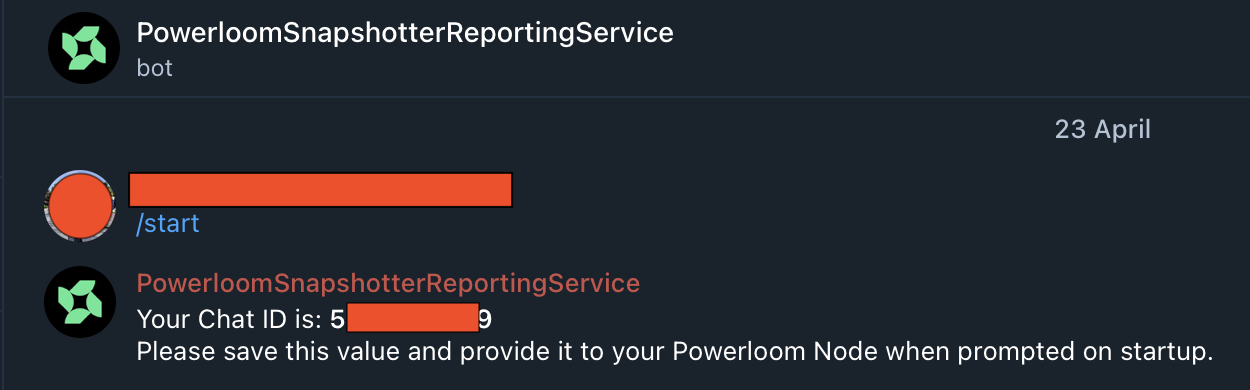
-
Step 3: Provide the
Chat IDto your Snapshotter Lite node:-
If you are setting up the node for the first time, enter the
Chat IDwhen prompted on the terminal during the node setup:
-
If you have a running node and would like to add the Telegram reporting feature, re-run the snapshotter CLI configuration for the BDS Mainnet market:
powerloom-snapshotter-cli configure --env mainnet --market BDS_MAINNET_UNISWAPV3
powerloom-snapshotter-cli deploy --env mainnet --market BDS_MAINNET_UNISWAPV3
Enter the
Chat IDwhen prompted for the optional Telegram chat ID.
-
To check if the Bot is successfully running, try these:
- Limit API request rates per second
- Limit the API being requested by specifying the allowed API methods. (e.g. eth_getBlockNumber)
If you see messages of failed or missed snapshots like the images below, know that the bot is running successfully.
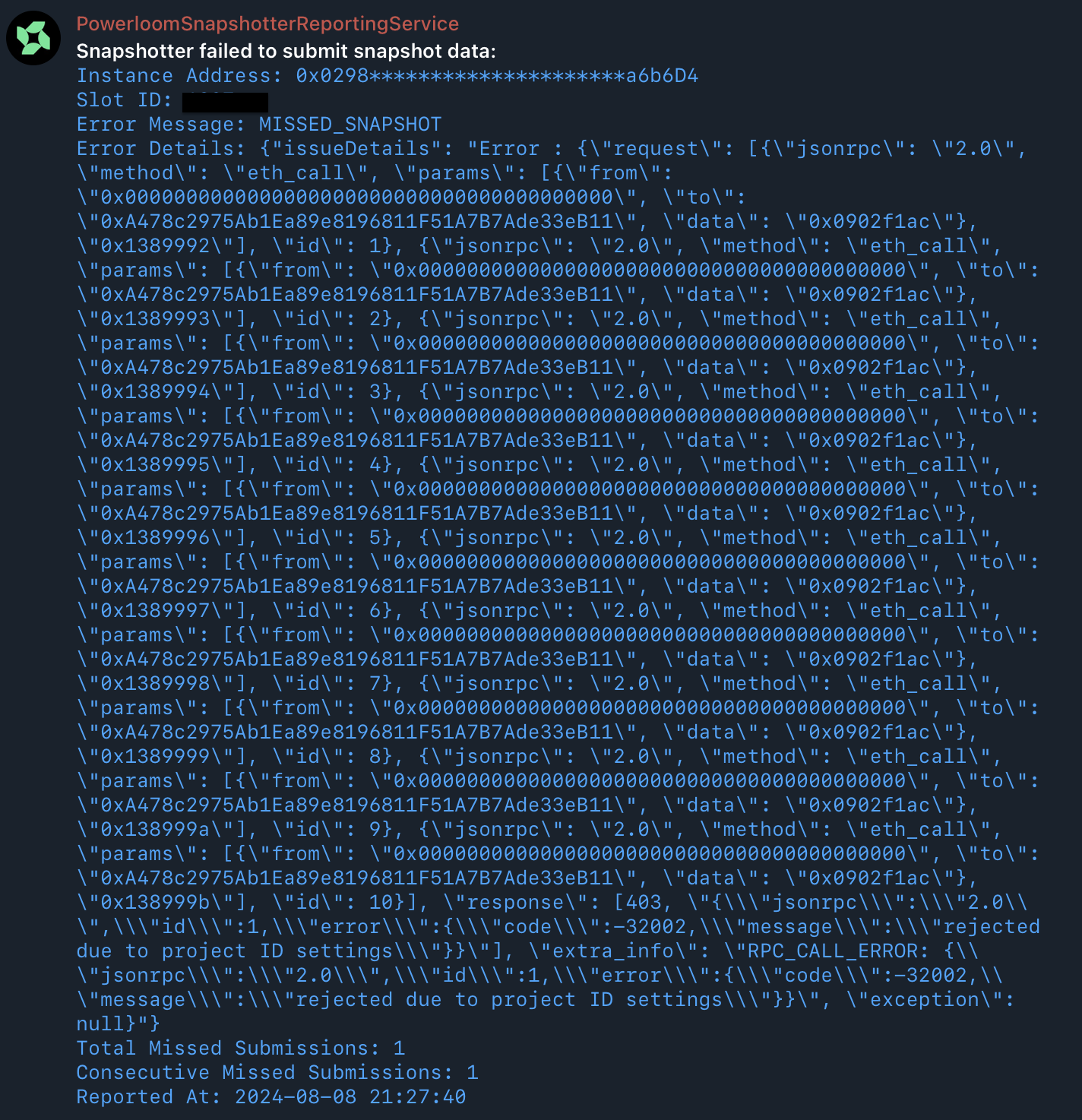
What should I do if I receive alerts for errors related to failed or missed snapshots?
Reach out to the team on Discord. Our goal is to ensure your node runs smoothly, and we're here to help with any challenges you might face.